

How to Use a Calibrite ColorChecker Video

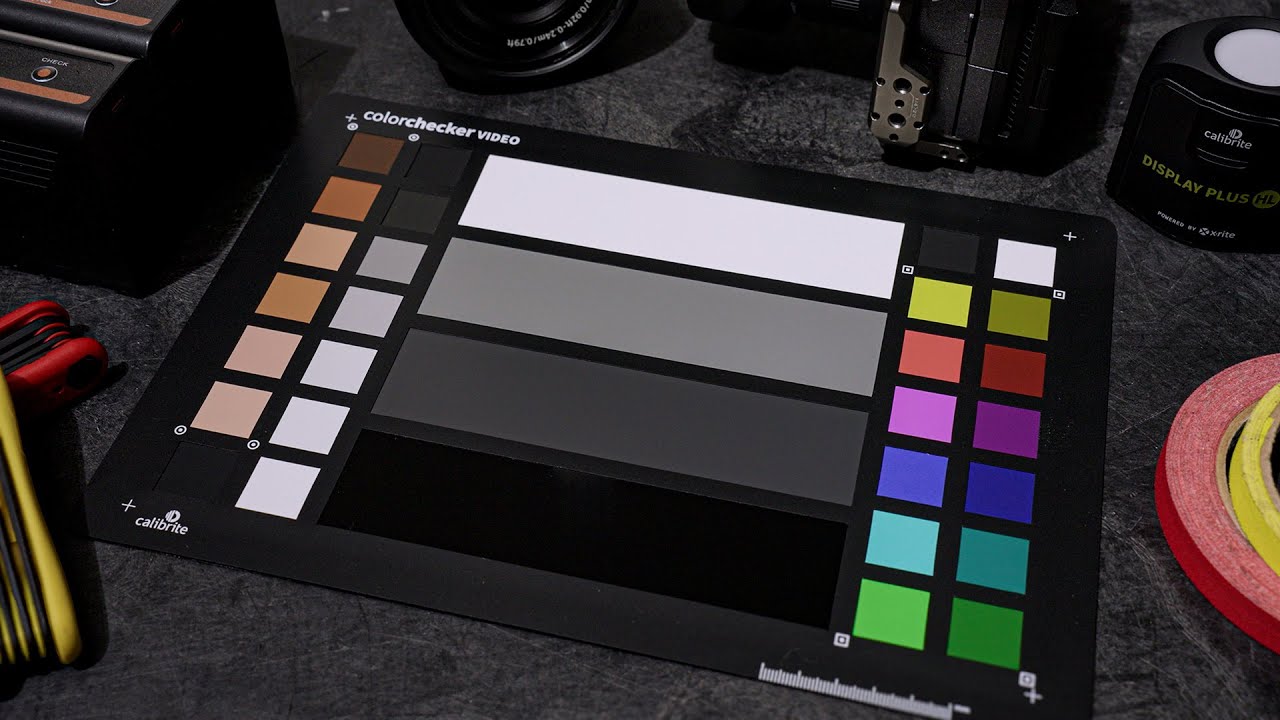
In the video above, you can learn how to use the Calibrite ColorChecker Video to help nail down exposure, color accuracy, and white balance with any camera setup. Calibrite breaks down waveforms, vectorscopes, gray cards, the white balance chart, and how to match cameras fast using the built-in color patches and grayscale ramp.
I’ve been using a ColorChecker Video for a very long time, and mine is so scratched up it looks like it was used on the set up Saving Private Ryan! I find them very useful to throw up quickly before rolling shots, especially if you are working with different cameras or you are in tricky lighting conditions where the exposure and/or color is difficult to get right.
Topics Covered in the video
- 00:00 – What the ColorChecker Video Does
- 00:05 – Waveforms & Vectorscopes Overview
- 00:10 – Matching Cameras & Lighting
- 00:19 – Size Options (Standard, XL, Mega)
- 00:27 – Passport Video Version
- 00:34 – 32 Precision Patches
- 00:46 – Exposure Chip Layout Explained
- 01:12 – Highlight & Shadow Range
- 01:30 – Grayscale Ramp
- 01:37 – Primary/Secondary Colors
- 01:49 – Vectorscope Color Matching
- 02:05 – HSL Adjustments
- 02:14 – Backside White Balance Chart
- 02:21 – Getting Reliable Color
- 02:28 – Workflow Links & Accessories
